
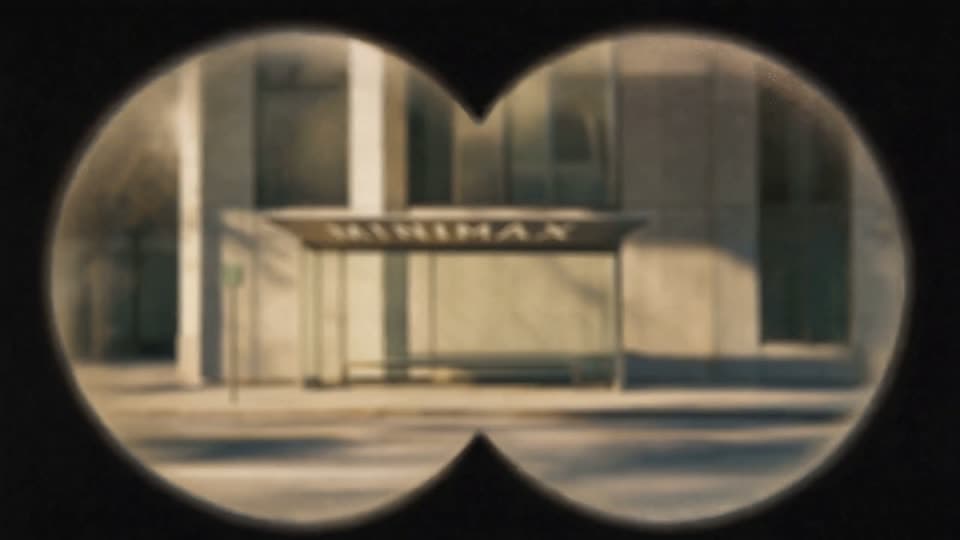
Vintage Binocular Brand Film
MiniMax H316:92K
Turn text, images, or reference clips into 2K video with sound already in it.
Most AI video tools hand you a silent clip and leave the audio to you. H3 writes the picture and the sound in the same pass — dialogue, room tone, music, and footsteps land already synced to the frame. Signing up puts 20 credits on your account: one full 5-second 2K clip, no card needed.
Independent third-party hosted service. Not affiliated with, endorsed by, sponsored by, or operated by MiniMax.
Reference Media
Max 12 total: 9 images, 3 videos, 3 audio. Media 2–15s; files 10/50/10MB.
 image
imageInteractive controls become available after authentication finishes loading.
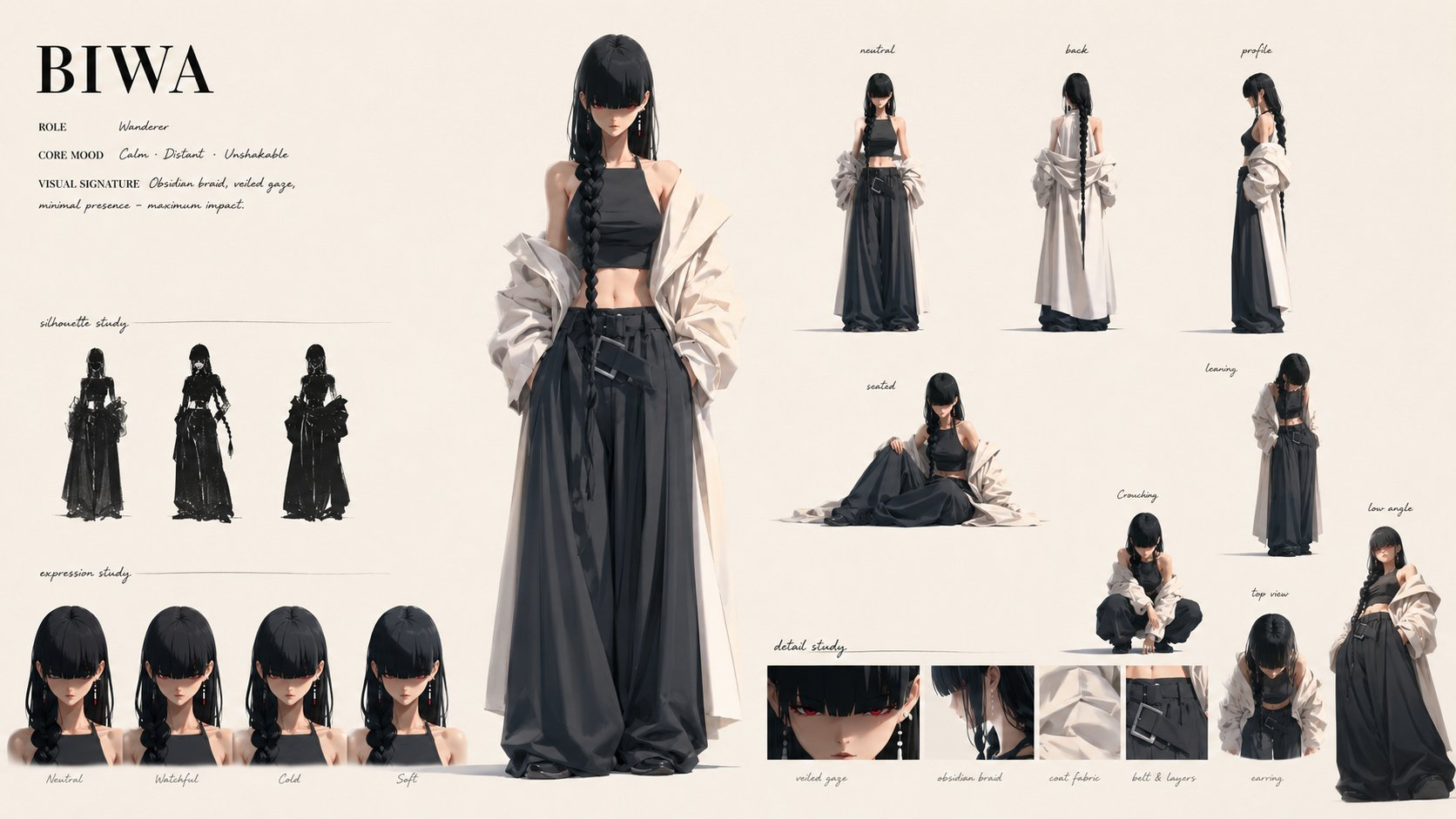
BIWA Character Introduction
Create a 15-second premium cinematic character reveal trailer with exactly 13 distinct cuts, using the BIWA character sheet as the sole visual authority.
MiniMax H3 accepts text, image, video, and audio references. Combine only the materials your scene needs for more precise creative direction.
Type @ to quickly insert uploaded files into your prompt.
Use references such as @image1, @video1, or @audio1 so the model knows which material to use.
Note: Reference images, videos, and audio are optional. Add only the materials needed for your prompt.
JPG, JPEG, PNG, WEBP, BMP, TIFF, or GIF. Up to 10 MB each.
MP4 or MOV. 2 to 15 seconds, up to 50 MB each.
MP3 or WAV. 2 to 15 seconds, up to 10 MB each.
Creative starting points
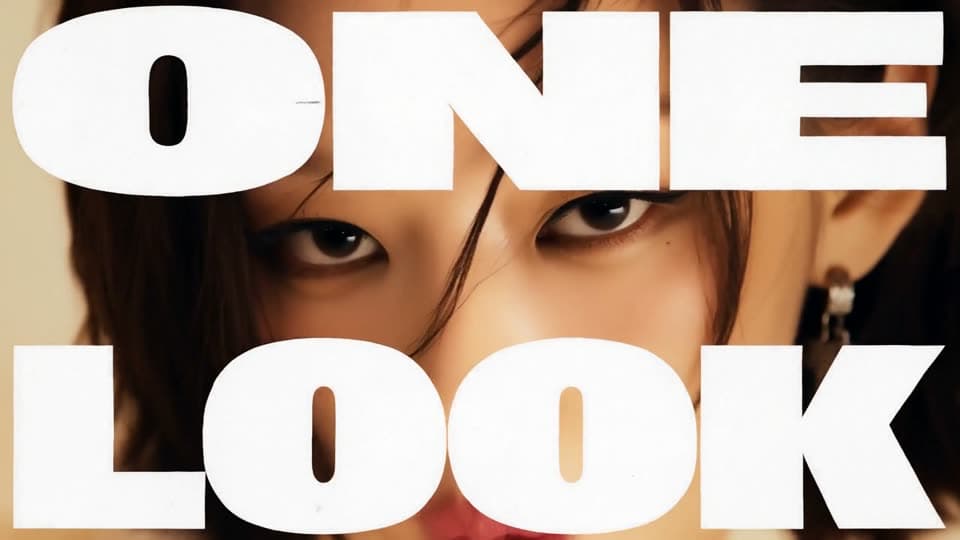
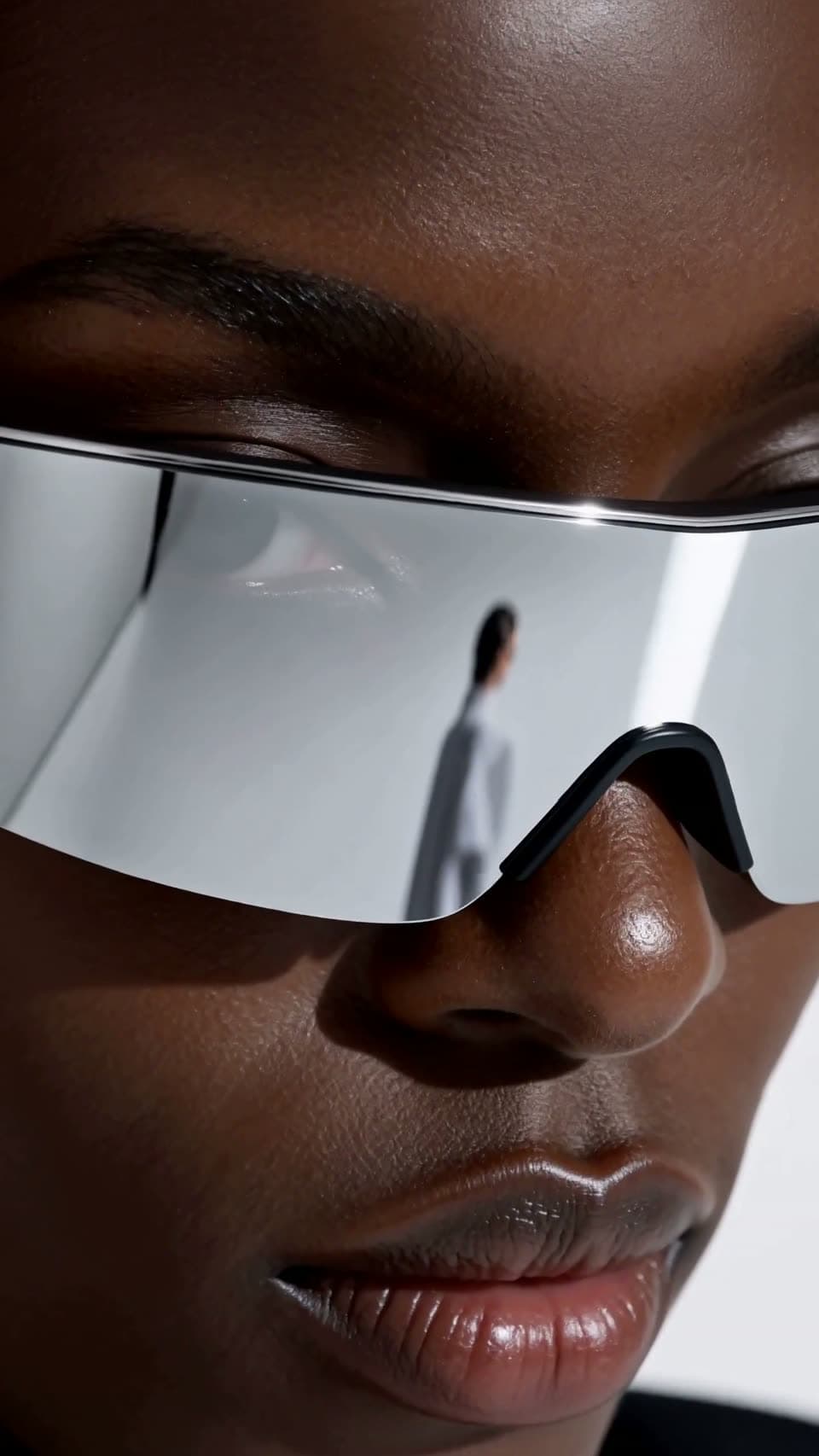
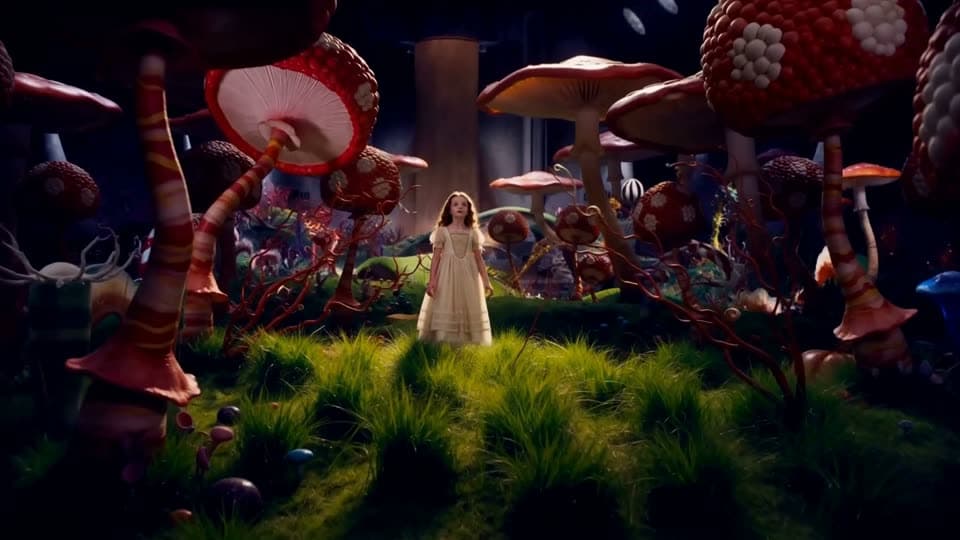
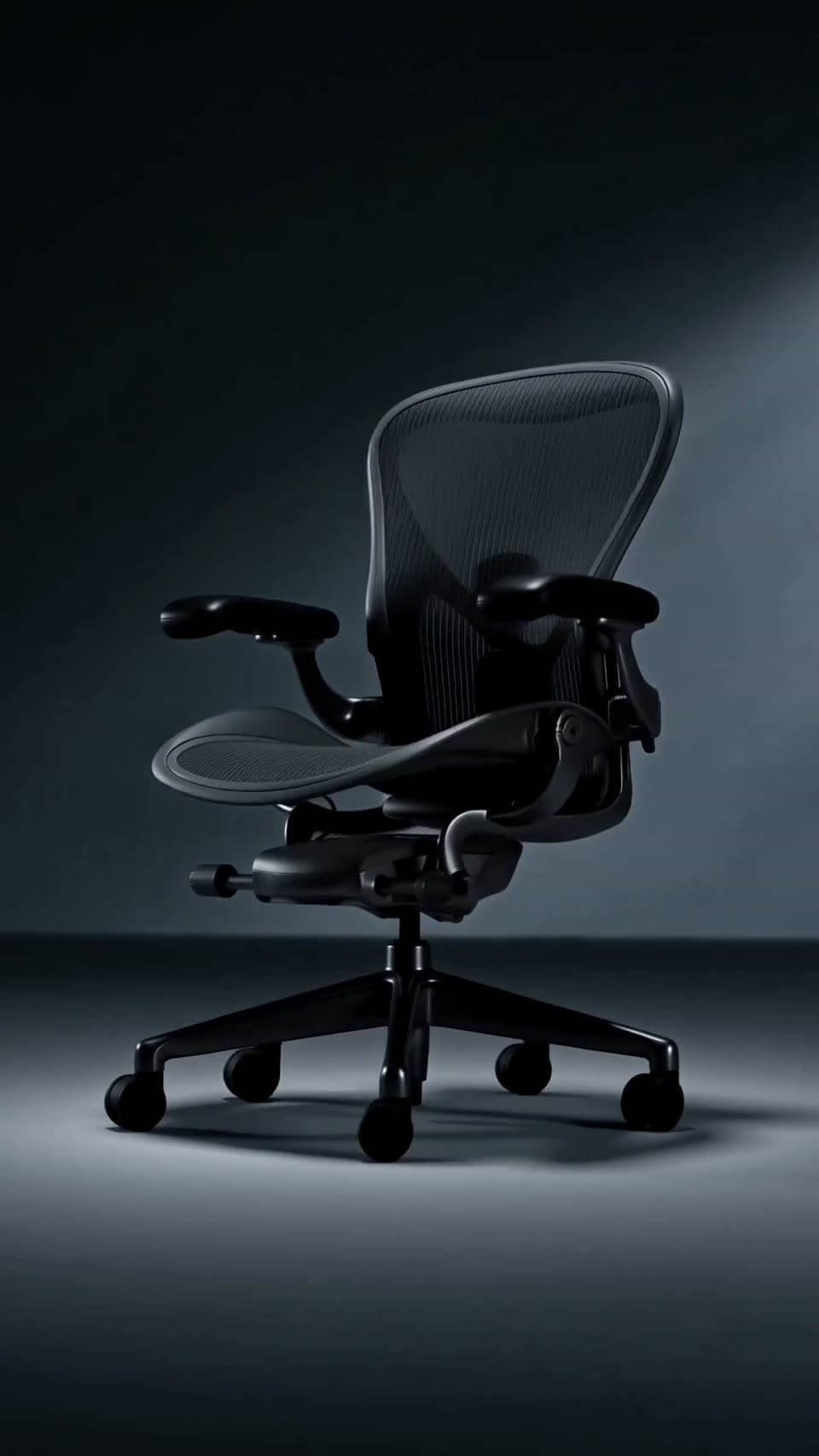
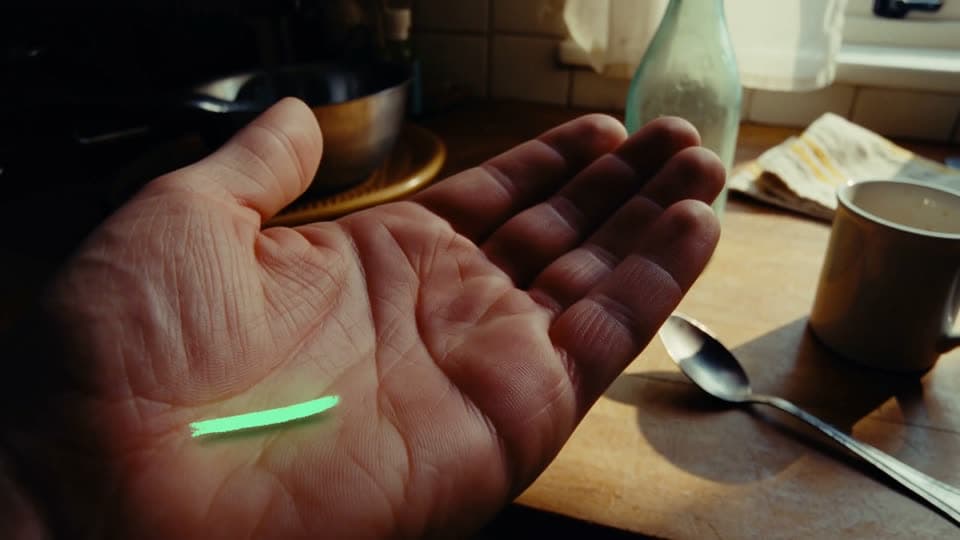
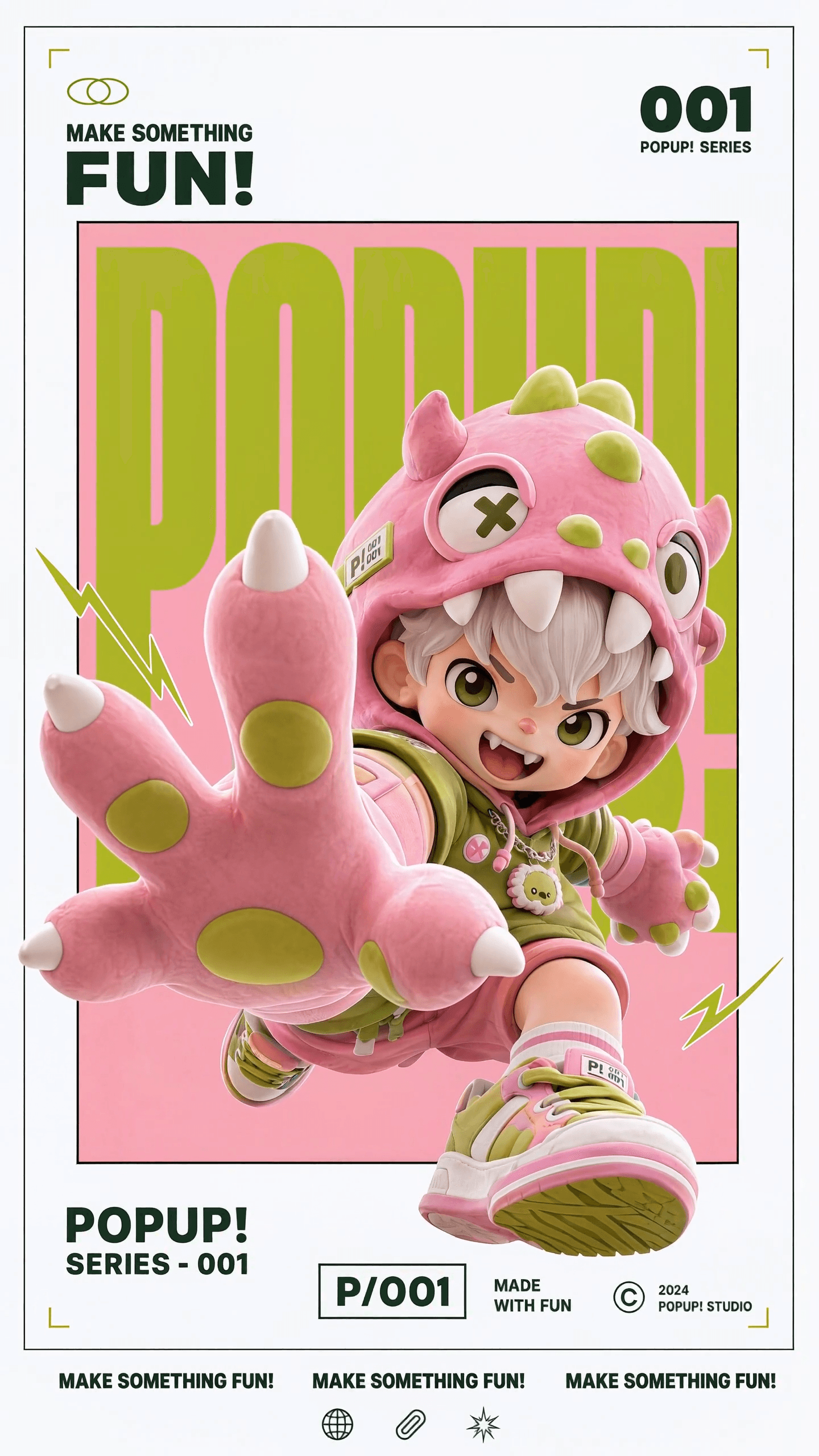
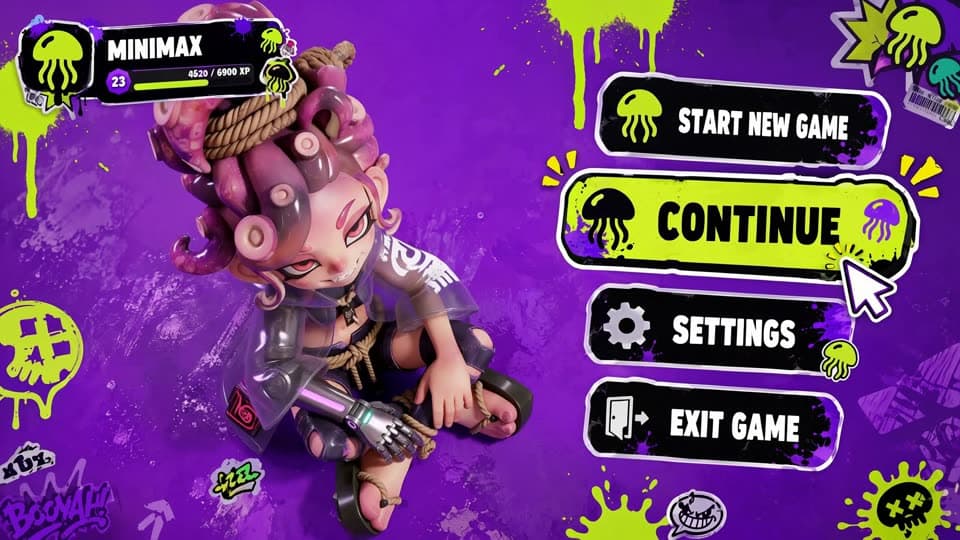
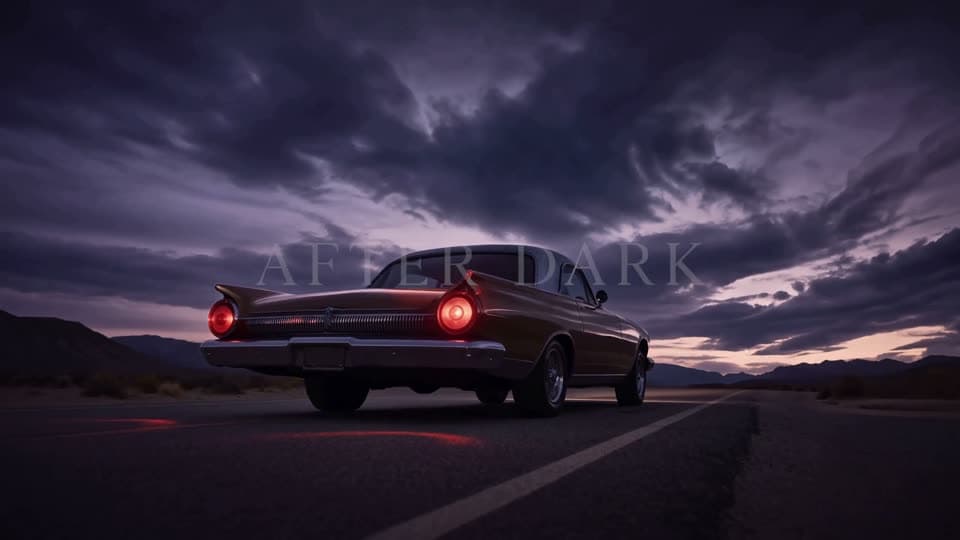
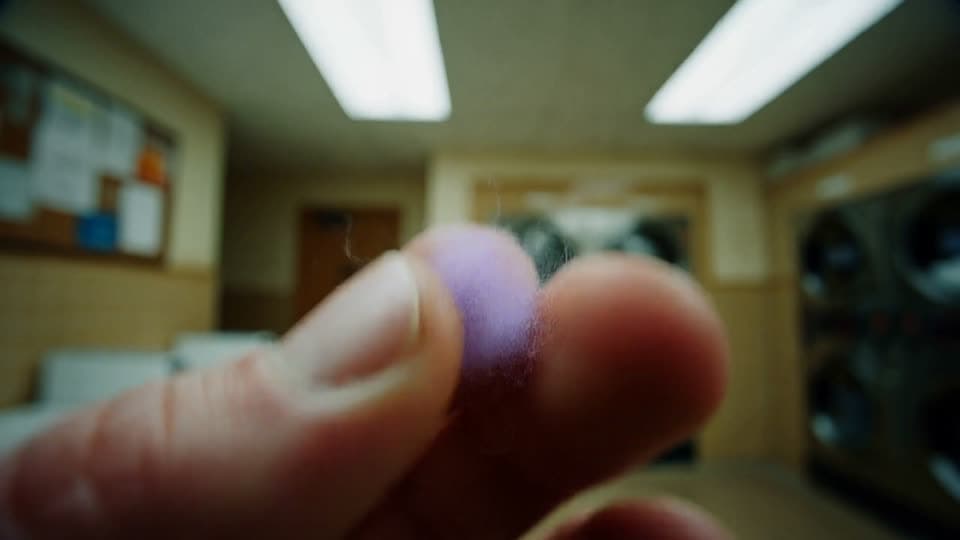
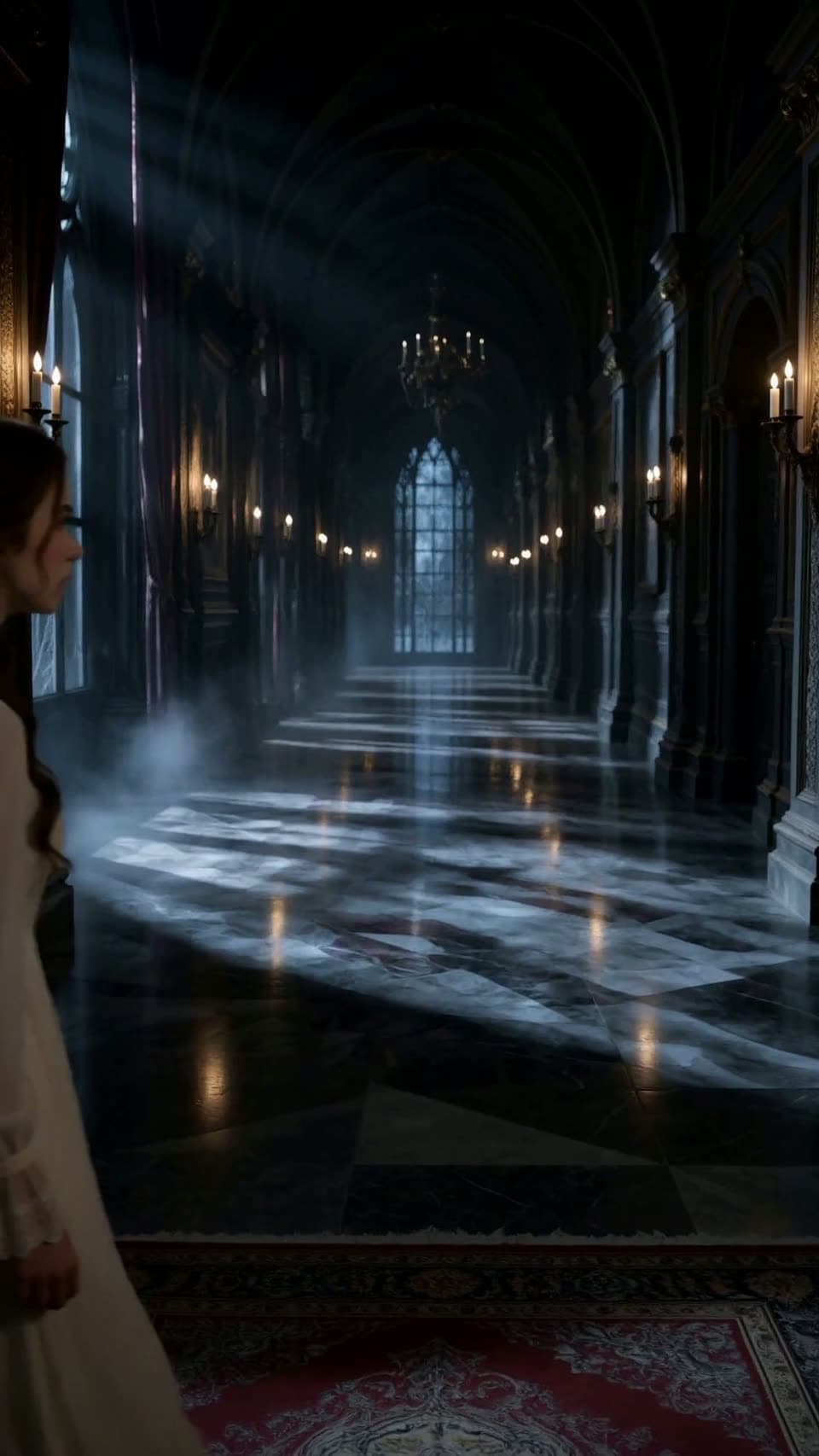
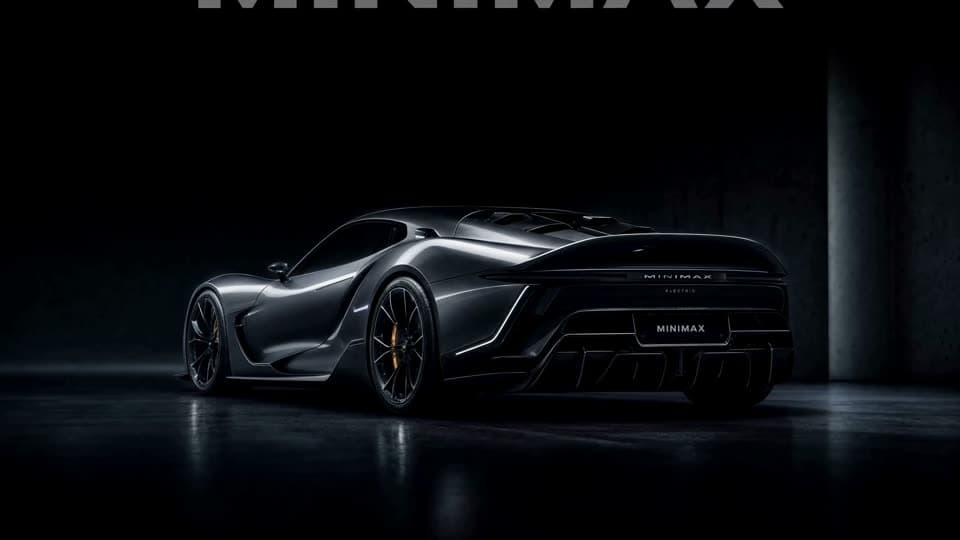
Every example below — fashion film, product ads, music video, game UI, title sequences — came out of a single request built from a text prompt, one image, two frames, or a reference pack. No editing pass, no separate audio session, no upscale. The prompt is printed under each clip. Sound is on.


The model behind it
An omni-modal video model that reads text, images, video, and audio in one context.
MiniMax H3 is an omni-modal video model released on July 31, 2026 that reads text, images, video, and audio in one context and returns 2K video with native stereo sound.
The phrase that matters is “in one context.” Older video models handle one input type at a time — you describe a shot, or you animate an image, or you copy motion from a clip. H3 takes all of it at once: nine reference images, three video clips, three audio tracks, and a prompt up to 7,000 characters, read together as a single instruction. The model resolves those references against each other instead of stacking them in separate passes.
Under the hood it is a 33-billion-parameter single-stream Transformer with a video autoencoder and a separate audio decoding path, which is why the sound arrives with the picture rather than after it.
MiniMax published the base weights on August 3, 2026, and they run through ComfyUI, vLLM, SGLang, and Hugging Face diffusers. The Community License restricts local deployment in the United States, the European Union, the United Kingdom, and South Korea — a limit on self-hosting the weights, not on browser use here.
2K
Native resolution
24fps
Playback
12
Mixed references
7,000
Prompt characters
Stereo
Audio in one pass
Pick your engine
Five H3 models are available, and they differ on three things: output resolution, generation speed, and whether open weights matter to your pipeline. All five run in the browser — the mode selector changes the engine and nothing else about your workflow.

Choose it when 2K matters for your final edit.
Choose it when open weights matter to your pipeline.
Choose it when you want tighter prompt following.
Choose it when you are still iterating on framing.
Choose it when you need one specialized strength.
Five entry points
Pick a workflow by what you already have — a written idea, one still, two frames, a reference pack, or a trained LoRA. You do not switch tools between them; all five are entry points into the same model.
At 7,000 characters, a full shot list fits in one request — subject, action, camera, lighting, and sound.
Upload a still and H3 animates it. The image sets the look, your prompt sets the motion.
Give two images and the model fills the motion between them. This is what you want when a client already approved the opening and closing frames.
Attach up to nine images, three clips, and three audio tracks, then tag them in the prompt — a subject image for continuity, a clip for choreography, a still for color, an audio track for timing. Each reference gets applied to the job you gave it.
Choose a tested adapter for camera movement, fight choreography, object physics, or anime line art. No weights to download, no ComfyUI workflow.
Flexible creative controls
The features below are listed in the order you run into them — native 2K output, in-pass stereo audio, twelve-file reference packs, instruction-based editing, legible on-screen text, and six aspect ratios.
Output runs up to 2560×1440 at 24 frames per second — roughly 2976×1248 on a 21:9 frame. This is the resolution the model renders at, not an upscale bolted on afterward.
Every clip returns stereo audio — dialogue, ambient tone, music, and effects, aligned to what is on screen. An authorized audio reference can guide timing and pacing.
Nine images, three clips, three audio tracks, tagged individually. One request can hold an authorized subject, follow movement cues, and match a style frame at the same time.
Describe the subject, object, lighting, or dialogue you want to change. Edits can also affect surrounding details, so compare the result with the original and check continuity before using it.
Describe the screen text, packaging copy, brand marks, or interface elements you need. Lettering and shapes can change between frames; check the full clip and add exact text or approved logos in an editor when accuracy matters.
21:9, 16:9, 4:3, 1:1, 3:4, and 9:16. Cinema frame and phone-vertical come out of the same model, so you are not re-generating a campaign twice.
Real project workflows
MiniMax H3 fits five kinds of work — short-form content, campaign concepting, ecommerce catalogs, game and app reels, and film previsualization. If one of these is your job, here is the specific thing it takes off your plate.
Content Creators
Create a vertical clip with audio, then check timing, continuity, and visual details before editing or publishing it.
Marketers & Agencies
Concept testing is where the money leaks. Ten directions rendered cheaply beats one produced expensively and rejected.
Ecommerce Sellers
Catalog work at catalog volume — the photos you already shot, in motion, without booking anything.
Game & App Teams
Character reels, CG, animated UI walkthroughs. The parts that usually go to a contractor for three weeks.
Film & Animation Studios
The model responds to real camera vocabulary, so a storyboard artist can direct it without translating notes into prompt-speak.
Three steps
Using H3 online takes three steps — describe or upload your input, pick a format and generate, then give notes instead of starting over. The fourth block below is the prompt habit that makes the second render better than the first.
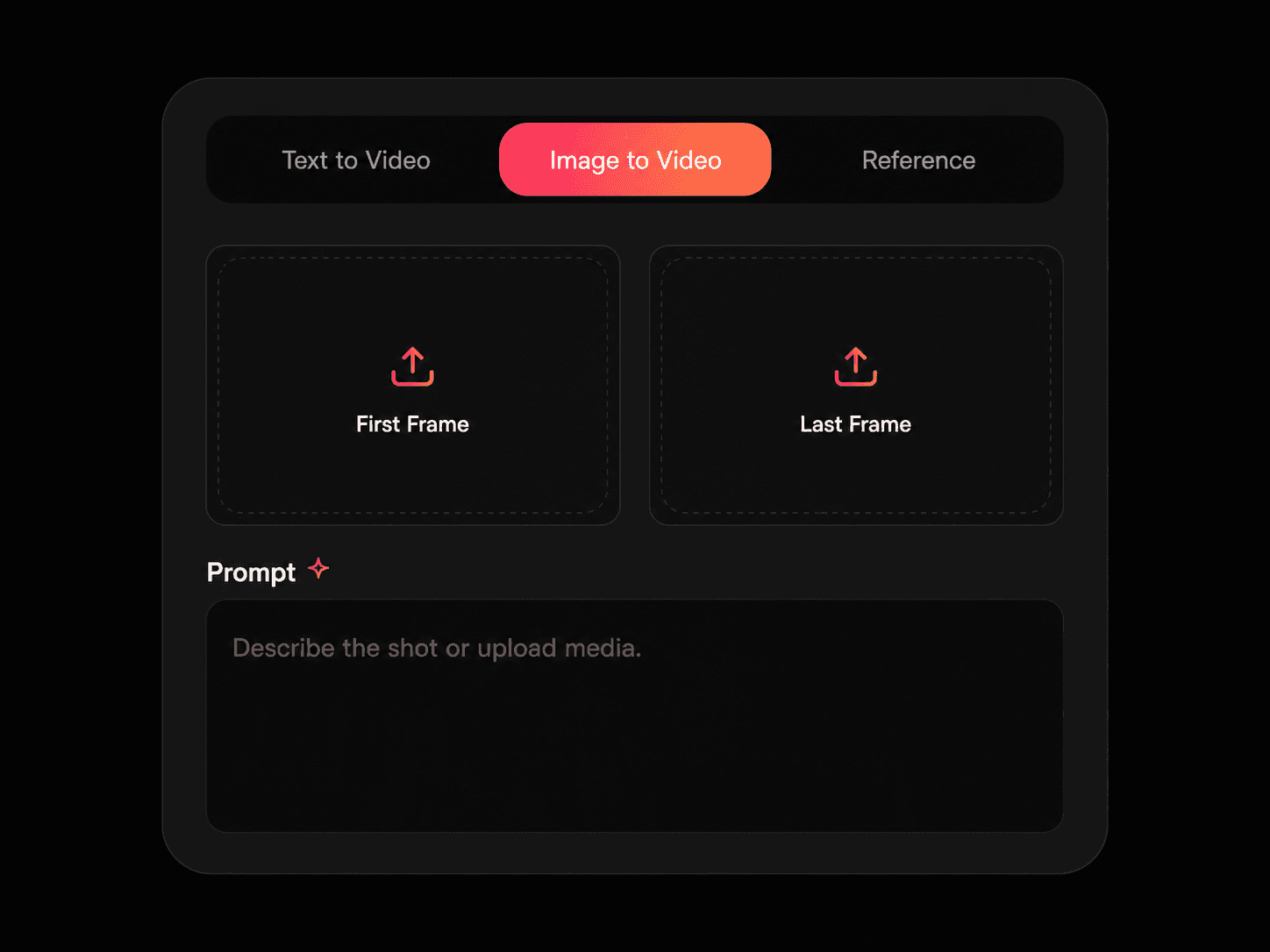
Type what you want to see, or attach up to nine images, three clips, and three audio tracks. Tag them so the model knows which reference does which job.
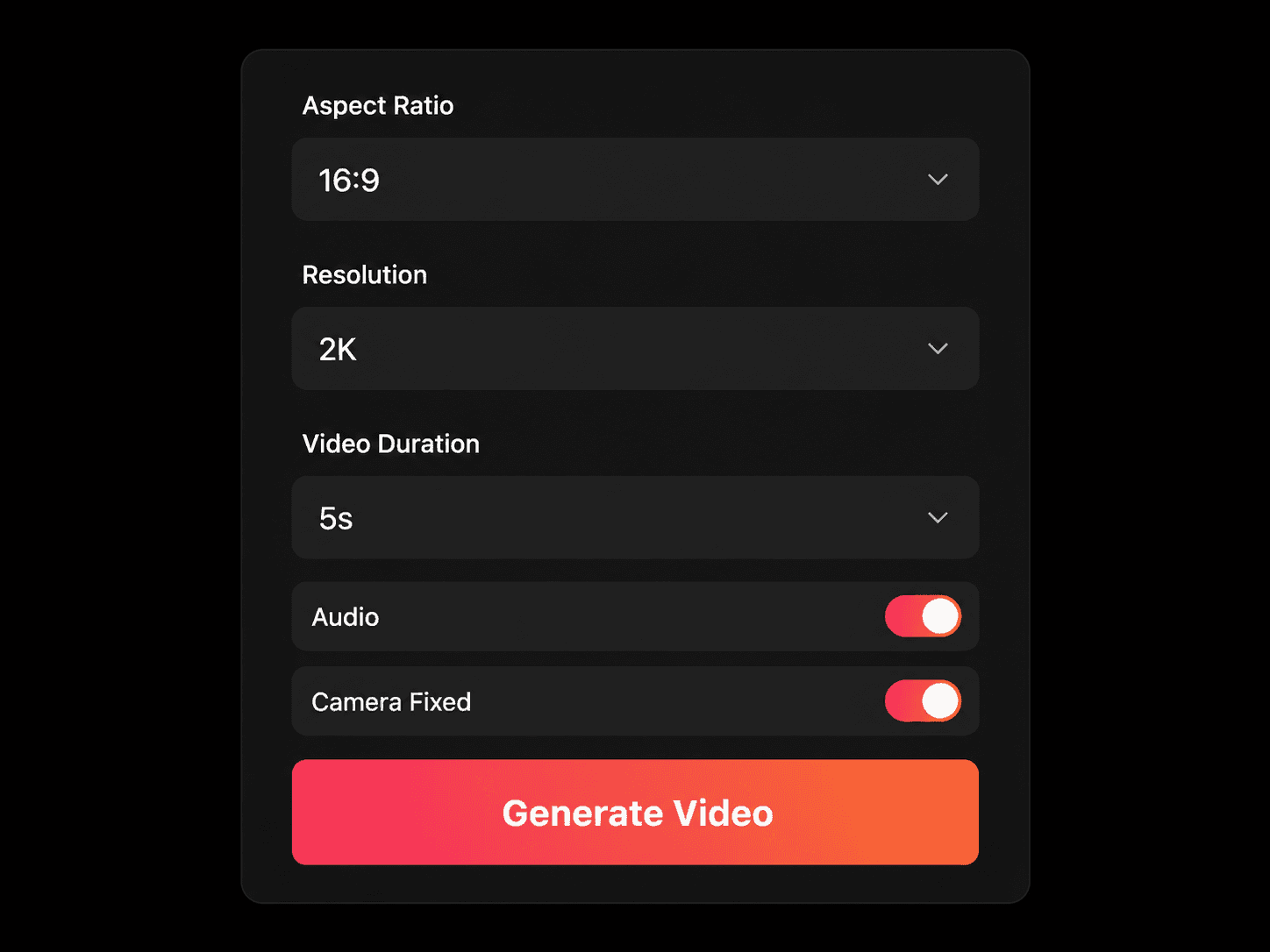
Choose from 21:9 down to 9:16, set the length between 5 and 15 seconds, and generate. The clip comes back with stereo audio attached.
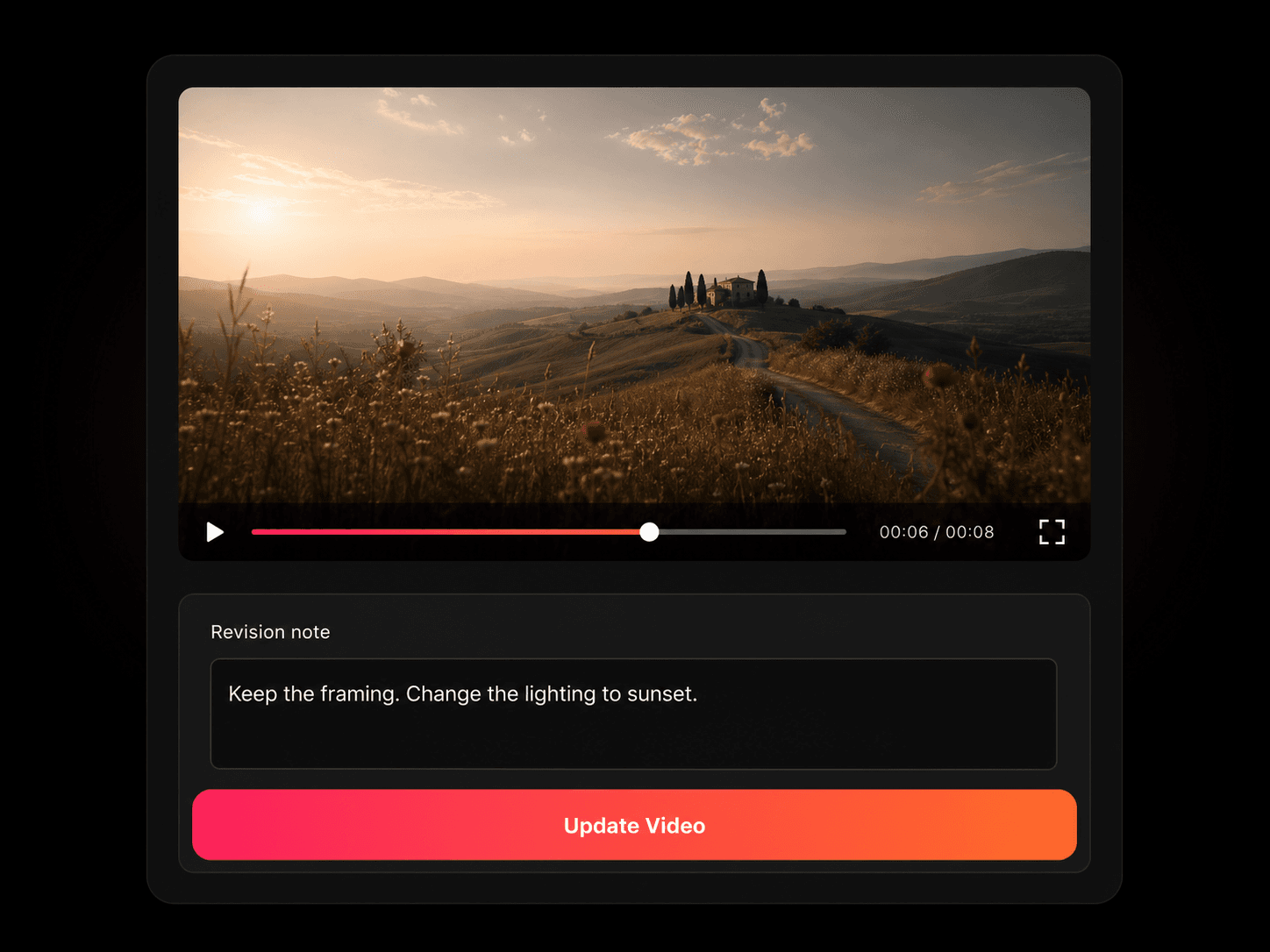
Describe the change you want, then compare the revised clip with the original. Check surrounding details as well as the requested edit; additional iterations or manual editing may be needed.
Name five things: subject, action, camera, lighting, sound. “Woman walking” gives the model nothing. “Handheld follow shot, woman walking fast through a wet parking garage at night, sodium lights overhead, footsteps and distant traffic” gives it five decisions to execute. H3 understands real camera vocabulary — dolly in, handheld, hard cut, rack focus. State the sound explicitly, or you get the model's guess.
Plans and credits
MiniMax H3 costs 4 credits per second at 2K and 2 credits per second at 768P. Buy credits once — there is no subscription, and purchased credits never expire. New accounts receive 20 credits with no card required: exactly one 5-second 2K clip with native audio, on the same model paying customers use, with no watermark and no quality cap.
Frequently asked questions
Answers on generating MiniMax H3 videos, choosing a model, using reference media, credit costs, and running the model locally.
No. minimaxh3video.app is an independent third-party hosted service, not affiliated with, endorsed by, or operated by MiniMax. MiniMax and MiniMax H3 are trademarks of their respective owners.
MiniMax H3 is free to start. New accounts receive 20 credits with no card required — exactly one 5-second 2K clip with native audio and no watermark. After that, credit packs start at $9.90 with no subscription.
Pick a MiniMax H3 model and workflow, write a prompt or upload your references, choose an aspect ratio and a length from 5 to 15 seconds, then generate. The clip returns with stereo audio already attached.
Yes. MiniMax H3 generates video from a text prompt describing subject, action, camera movement, lighting, and sound. Prompts run to 7,000 characters, so a full shot list fits in a single request.
Yes. MiniMax H3 animates a single uploaded still — the image sets the look and your prompt sets the motion. Images also work as tagged references in the Reference to Video workflow.
Yes. MiniMax H3 accepts two images — where the shot starts and where it ends — and fills the motion between them. This is the most direct way to control an exact camera path.
Yes. MiniMax H3 accepts up to three audio tracks per request, tagged in the prompt to guide timing, pacing, and atmosphere. Audio references are free and do not consume credits.
MiniMax H3 generates clips of 5 to 15 seconds at up to 2560×1440 — native 2K — at 24fps. Six aspect ratios are available: 21:9, 16:9, 4:3, 1:1, 3:4, and 9:16. 2K output requires the Standard model.
Yes. MiniMax H3 returns stereo audio built in the same pass as the picture — dialogue, ambience, music, and effects synced to the action. Most video models return silent clips. If you do not describe the sound, the model infers it from the scene.
MiniMax H3 accepts twelve reference files per request: up to nine images, three video clips, and three audio tracks. Tag each one in the prompt so the model knows its role.
MiniMax H3 supports JPG, JPEG, PNG, WEBP, and HEIC for images, H.264 and H.265 for video, and WAV and MP3 for audio.
A 5-second 2K MiniMax H3 clip costs 20 credits — between $1.20 and $2.00 depending on your pack. Output is 4 credits per second at 2K and 2 at 768P. Reference videos are billed on their own duration; failed generations are refunded.
Only outside the US, EU, UK, and South Korea — the MiniMax H3 Community License excludes local deployment in those regions. Base weights were published on August 3, 2026, but a 33-billion-parameter model decoding video and audio together exceeds most consumer GPUs. Browser use on this site is unaffected.
MiniMax H3 Standard renders up to 2K and is the model for a final edit. H3 Max is post-trained for tighter prompt following at 480P or 768P. H3 Max Turbo trades quality for speed and lower credit cost while you iterate.
Videos generated using paid credits may be used in advertising, e-commerce, social marketing, brand films and client work, subject to our Terms of Service and applicable model or asset licenses. You must have permission for the inputs and any protected material or identifiable people in the output. Payment does not guarantee exclusive rights, copyright protection or clearance of third-party rights.
Get Started
Open the MiniMax H3 video generator, pick a model, and turn text, images, video, or audio references into a finished 2K clip with synchronized sound. Your first 5-second 2K render is on the house.